Kernel SQLite Database Recovery: Repair a Corrupt SQLite File and Get the Deleted Rows Back
Kernel SQLite Database Recovery is a $149 Windows tool from KernelApps that repairs corrupt SQLite databases (DB, DB3, SQLite 2 and SQLite 3 files) and recovers their tables, indexes, views, triggers and deleted records into a new database, CSV or PDF. It's a one-time payment at checkout, and the free trial scans and previews everything but saves only 25 records per table.
It's for the developer, IT admin or forensic analyst facing "database disk image is malformed", an app that crashes on start because its local database is damaged, or a script that deleted rows it shouldn't have.
Quick facts
- Price: Personal $149 (2 PCs), Corporate $199, Technician $299, each charged once with no renewal
- Developer: KernelApps Private Limited (Kernel Data Recovery, nucleustechnologies.com), Noida, India
- Version: 25.0 (released November 2023)
- Runs on: Windows 11, 10, 8.1, 8 and 7, Windows Server 2022 down to 2008
- Databases: DB, DB3, SQLite, SQLite 2 and SQLite 3 files, up to SQLite 3.36.0, UTF-8 and UTF-16 text
- Saves to: a new SQLite database, CSV or PDF
- Free trial: full scan and preview, 25 records saved per table
- Guarantee: 30-day money-back guarantee
- What we checked: the installer from Kernel's download link (kernel-sqlite-recovery.exe, file version 25.0, 23 MB, validly signed, file dated September 26, 2025), the license table on Kernel's order page, and the checkout prices ($149, $199 and $299, each a one-time payment, no Black Friday discount) on November 24, 2026. We didn't repair a corrupt database ourselves.
Before you buy
- Try the free tools first. The sqlite3 command-line shell's
.recover command (SQLite 3.29 and later) rescues many malformed databases for free. Buy this tool when that fails, when you need deleted rows, or when you'd rather click than type.
- Run the trial on a copy. The preview shows every table and the deleted records it found, so you know what you'll get before paying $149.
- Check the license term. Kernel's order page lists the Personal license as valid for 1 year with 1 year of support, and Corporate and Technician as lifetime, although checkout charges all three once with no automatic renewal. For long-term use, the $199 Corporate license is the safer buy.
- Newer SQLite features. Kernel lists support up to SQLite 3.36.0 (2021). Databases using features added later (such as STRICT tables) may not be read correctly; the trial will show you.
Download Free TrialBuy Personal LicenseBuy Corporate LicenseBuy Technician License
Overview
SQLite sits inside browsers, phones, desktop apps, IoT devices and countless in-house tools, usually as a single file. That makes it easy to copy and easy to break: a power cut during a write, a full disk, a bad sector, malware or a half-copied file can leave pages of the database unreadable. SQLite then refuses the whole file, even though most of the data is still there.
Kernel SQLite Database Recovery reads the damaged file page by page, rebuilds what it can of the schema (tables with their field names, types and default values, plus indexes, views and triggers), and lists the live and deleted rows it found. You pick what to keep and save it into a clean new database, or export it as CSV or PDF.
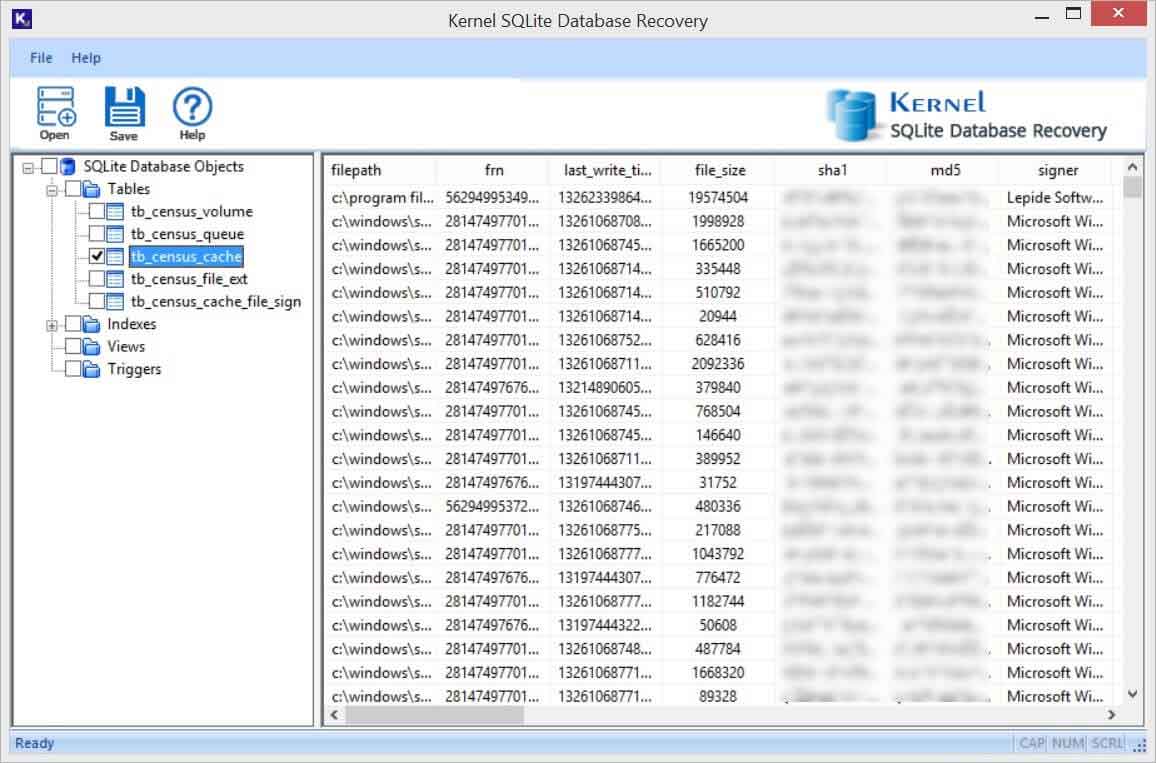
After the scan: the tree of recovered tables, indexes, views and triggers on the left, and the rows of the selected table on the right (from Kernel's screenshot set, which shows an older look of the interface).
Features
Recovers the whole schema, not just rows
Kernel SQLite Database Recovery restores tables with their rows and columns and the original table properties (field names, data types, default values), together with indexes, views and triggers, and keeps the original object hierarchy. That means the rebuilt database can go straight back to the application that uses it, instead of a pile of CSV files you have to reassemble.
Finds deleted records
Kernel SQLite Database Recovery lists deleted records it can still find in the file alongside the live data, and lets you save active records, deleted records or both. The preview splits each table into Table Data, Deleted Data and Table Properties, so you can see exactly what came back before saving. How much deleted data survives depends on whether SQLite has since reused or vacuumed that space.
Three ways to save
Kernel SQLite Database Recovery saves recovered objects as a new SQLite database, as CSV for spreadsheets and imports into other databases, or as PDF for a readable record, to a local, external, USB or network drive. Text in non-English scripts is kept, since it handles both UTF-8 and UTF-16 encodings.
Handles large databases and journal files
Kernel SQLite Database Recovery works with multi-gigabyte databases and can read data from SQLite journal files as well. You start by browsing to the damaged file in the Database Selection dialog and clicking Recover.
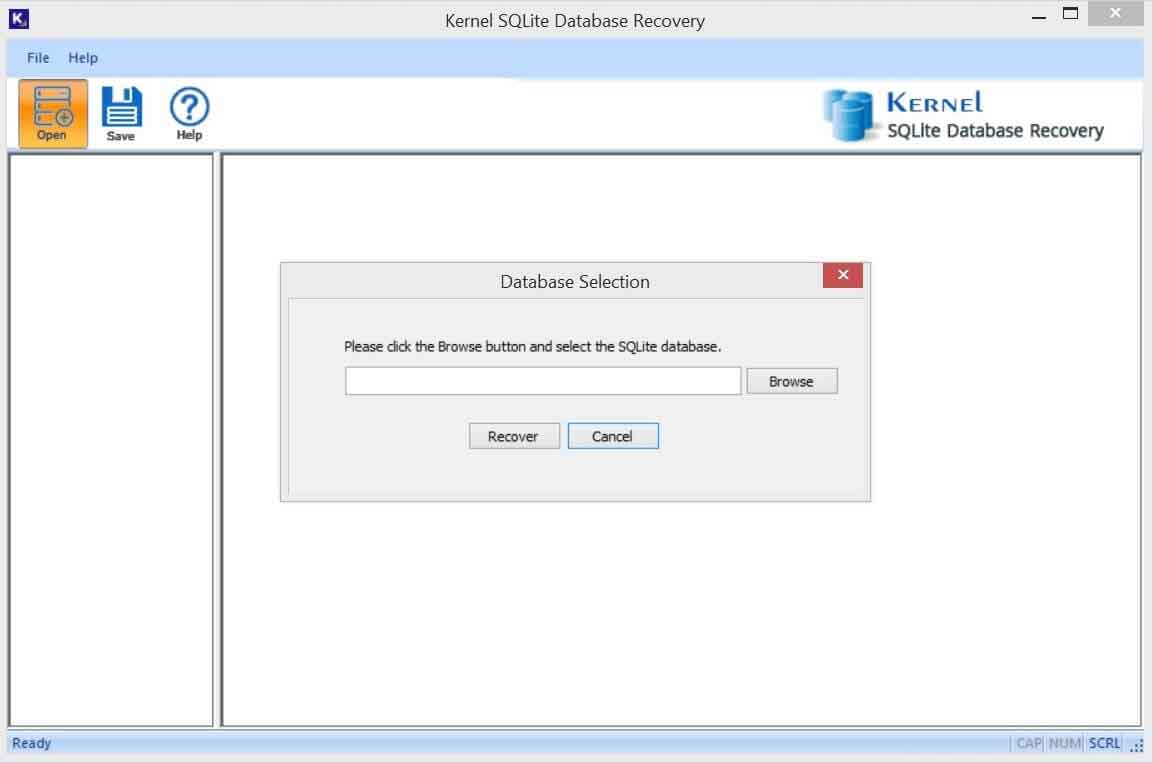
The Database Selection dialog: browse to the SQLite file and click Recover.
Real-World Uses
- A desktop app won't start: its SQLite store was corrupted by a crash. Rebuild a clean copy and put it back in the app's data folder.
- A bad script deleted rows: one of Kernel's customer stories describes an intern's script removing records across several .db files; the tool listed the deleted records for recovery.
- Malware or a failing disk: scan a damaged multi-gigabyte database and save what's readable before the drive gets worse.
- Investigations: export an app's tables, including deleted rows, to CSV or PDF for review.
Who It's For, and Who Should Skip It
Buy it if a SQLite database matters to your business, the free .recover route didn't work or you need deleted rows back, and you want a graphical tool that saves the result as a working database.
Skip it if you have a recent backup (restoring it is faster and certain), if you're comfortable with the sqlite3 shell and its .recover command, or if you're on macOS or Linux. Mobile-forensics specialists will usually already own a suite that parses app databases.
Usage Guide
- Make a copy of the damaged database file (and any -journal or -wal file next to it) and work on the copy.
- Install and launch Kernel SQLite Database Recovery, click Open, browse to the copy and click Recover.
- Expand the tree on the left and click each table to preview its data, deleted data and properties.
- Tick the objects you want and click Save.
- Choose the output (SQLite database, CSV or PDF) and the destination folder, then wait for the "saving done successfully" message.
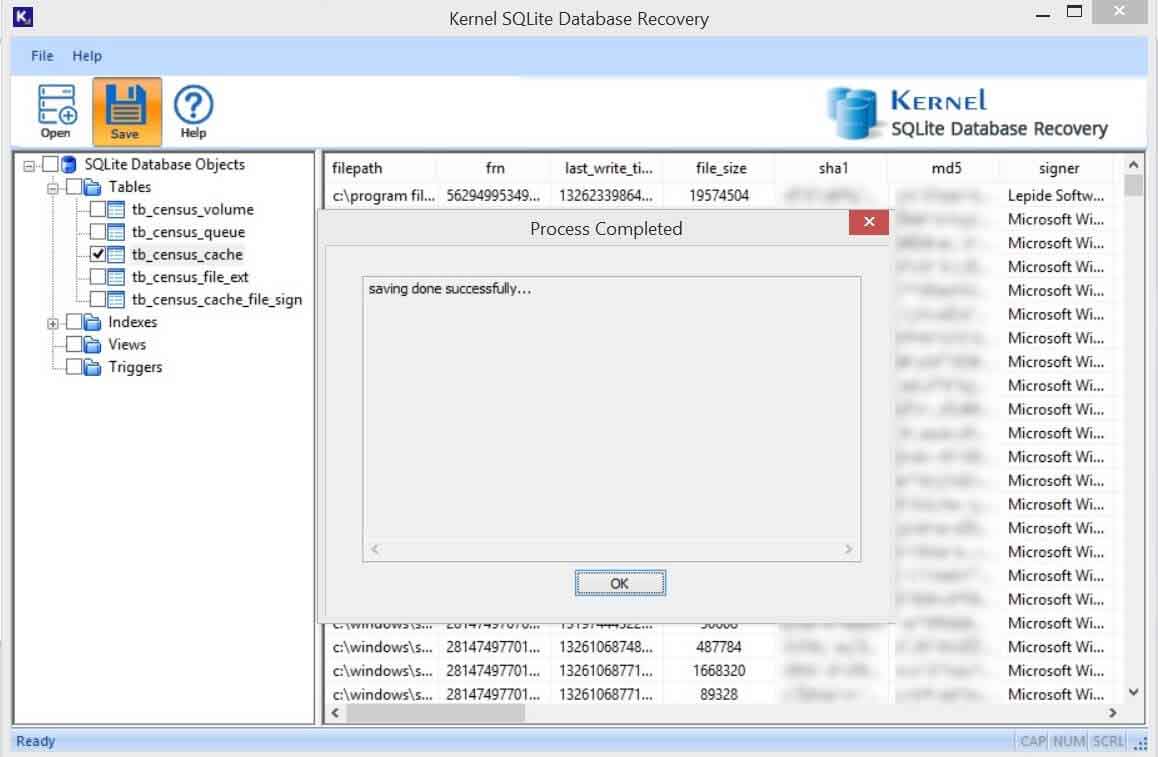
The Process Completed message after the selected tables were saved.
Where it falls short
- Older SQLite ceiling. Supported versions stop at SQLite 3.36.0, and version 25.0 dates from late 2023.
- No encrypted databases listed. Kernel doesn't mention SQLCipher or other encrypted SQLite files, so don't count on those.
- Pricey next to free options. At $149 it costs more than a one-off fix is worth to many users when the free sqlite3 shell can recover the same file.
- Few independent reviews. Apart from KernelApps' general Trustpilot score, we found no third-party tests of this tool.
What Users Say
On Kernel's product page (4.9 out of 5, 425 reviews)
- "A small tool, but capable of handling massive SQLite databases. My organization had multiple databases ranging in several Gigabytes. One of them was corrupted due to a Trojan malware attack. The software successfully scanned it and showed all the tables for saving." (James, USA)
- "Our SQLite database became corrupted after a system crash, and the Kernel SQLite Database Recovery tool helped us recover our tables with all records." (Drew J, Australia)
- "An intern mistakenly executed a script that deleted records matching a specific case from multiple databases one by one... the tool did an impressive job. It quickly scanned and listed all the deleted records and allowed me to recover them." (Blaise Parker, USA)
- "The best support I have had in years! This company makes brilliant products, and their technical expertise is absolutely amazing!" (Esther Regenwetter, verified user)
KernelApps on Trustpilot (4.9 out of 5, 167 reviews)
KernelApps' Trustpilot page covers all its products, mostly email and Exchange tools, and praises support in particular: "The Kernel team was extremely helpful in resolving an issue I had with OST to PST conversion." (Drew J, March 2026). Trustpilot notes the company hasn't invited reviews recently.
The ratings on Kernel's own page are collected and chosen by the vendor. Use the free trial's preview as your own review before buying.
Editions and Pricing
| License | Price (one-time) | For | Validity and support | Buy |
|---|
| Free trial | $0 | Full scan and preview, 25 records saved per table | - | - |
| Personal | $149 | Home or personal use, 2 PCs | 1 year | Buy Personal |
| Corporate | $199 | Businesses, government and schools, multiple PCs | Lifetime | Buy Corporate |
| Technician | $299 | Consultants serving several organizations | Lifetime | Buy Technician |
FAQs
Can Kernel SQLite Database Recovery fix "database disk image is malformed"?
That error means SQLite found damaged pages in the file, which is exactly the case Kernel SQLite Database Recovery is built for: it reads the readable pages and rebuilds the tables into a new database. Run the trial to see which tables and rows it recovers from your file.
Can it recover rows that were deleted with a DELETE statement?
Yes, often. Kernel SQLite Database Recovery lists deleted records that are still present in the file, as long as SQLite hasn't overwritten that space or run VACUUM since.
Does Kernel SQLite Database Recovery work on Android or iPhone app databases?
Kernel SQLite Database Recovery opens any SQLite file you can copy to a Windows PC, which includes app databases taken from a phone backup. It doesn't connect to a phone itself.
Can Kernel SQLite Database Recovery export tables to CSV?
Yes. Kernel SQLite Database Recovery can save the tables it reads as CSV (or PDF) instead of a new database, which is handy for loading the data into Excel or another database.
Is there a Mac or Linux version?
No. Kernel SQLite Database Recovery runs on Windows desktop and server versions only.
How do I get the license after buying?
Kernel emails the download link and activation key after payment, and companies can order by purchase order through the same checkout.
System Requirements
- Windows 11, 10, 8.1, 8 and 7; Windows Server 2022, 2019, 2016, 2012 and 2008
- Intel Pentium-compatible (x86, x64) processor
- 1 GB RAM minimum
- 512 MB of free disk space
- SQLite database files up to version 3.36.0
Conclusion
Kernel SQLite Database Recovery is worth buying when a SQLite database you can't replace is damaged, the free sqlite3 .recover route hasn't worked, or you need deleted rows back: it rebuilds the whole schema into a clean database and shows you everything in the trial before you pay. The reasons to hesitate are the $149 price for what may be a one-off job and the SQLite 3.36 support ceiling, so check your file in the trial first, and pick the $199 Corporate license if you want a license that never expires.
Download Free TrialBuy Personal LicenseBuy Corporate LicenseBuy Technician License