DataNumen Disk Image: Exact Byte-for-Byte Images of Disks and Drives, Even Damaged Ones
DataNumen Disk Image is a $49.95 Windows tool that copies a whole disk or drive, byte by byte, into a single image file and can write that image back to the same or another disk. It's for technicians, data recovery and forensics work, and anyone who wants an exact copy of a drive before it fails or before they try to recover data from it.
A hard disk has started clicking and you need your files off it. The worst thing you can do is run recovery software on the dying disk itself. Imaging it once, skipping the unreadable sectors, and then working on the image is the safer route, and that's what this program is for.
Quick facts
- Version: 2.2, released December 24, 2020
- Developer: DataNumen, Inc.
- Platform: Windows (32-bit program; DataNumen has tested it on Windows 11), administrator rights needed
- Devices: hard disks, SSHDs, SSDs, USB flash drives, floppy disks, CDs, DVDs and Blu-ray discs
- File systems: any, since it copies raw data
- Image type: full, bit-identical copies only
- Price: $49.95 for one user, a one-time payment with no auto-renewal on the order page
- Trial: free demo version
- Guarantee: 30 days
- What we checked: installer file version 2.20 (7.03 MB, digitally signed by DataNumen, Inc.) downloaded from the vendor, with a June 5, 2022 file date; the $49.95 order page price, against a $59.95 list price. We didn't image or restore a disk ourselves, and the demo's limits aren't published. Checked on November 8, 2026.
Before you buy
- It runs from Windows, not from a boot disk. DataNumen Disk Image can't create a bootable USB or CD, so to image or restore the drive Windows itself runs from, you need to connect that drive to another Windows PC.
- Images are always full size. A bit-identical image includes the free space, so a 1 TB disk makes a 1 TB image. There are no incremental or differential images and no compression listed.
- Its own raw format. It can't read or write ISO, NRG, VHD or DMG files. To browse an image, DataNumen points you to the free OSFMount.
- Never save the image to the disk you're copying. The program warns about this in red, and the target needs at least as much free space as the source.
- Not updated since 2020. It's still sold and signed, but don't expect new features.
- A refund needs a reason. Refunds run for 30 days, but you have to explain why in detail.
Download Free Trial Buy Now
Overview
DataNumen Disk Image has four working tabs. Clone makes an image of one drive, Batch Clone makes images of several, Restore writes an image back to a disk, and Options sets what goes in place of unreadable sectors. Cloning a disk to another disk is done in two steps: image the source, then restore that image to the target.
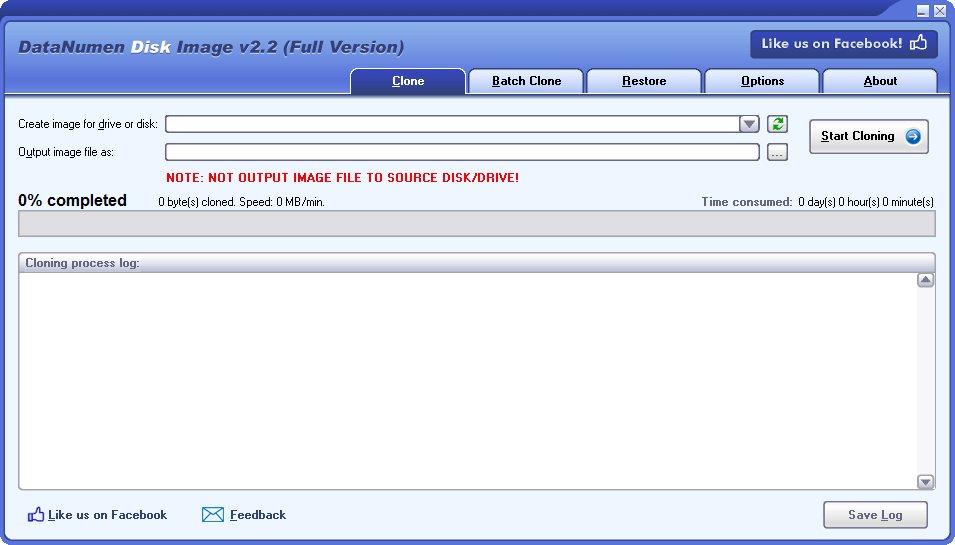
The Clone tab in version 2.2: the drive or disk to image, the output file, the red warning not to save to the source, and the cloning log.
Features
Exact copies of any disk or drive
DataNumen Disk Image creates a bit-identical image of a whole disk or a single drive: used space, free space, file system and all. Because it copies raw data, the file system doesn't matter, so it also images drives from Linux or Mac computers connected to a Windows PC, and optical discs.
Imaging damaged and corrupted drives
DataNumen Disk Image can image a drive whose file system is corrupted, and it fills sectors it can't read with a value you set in Options (0 by default), so a few bad sectors don't stop the copy. You then run recovery tools on the image, not on the failing disk.
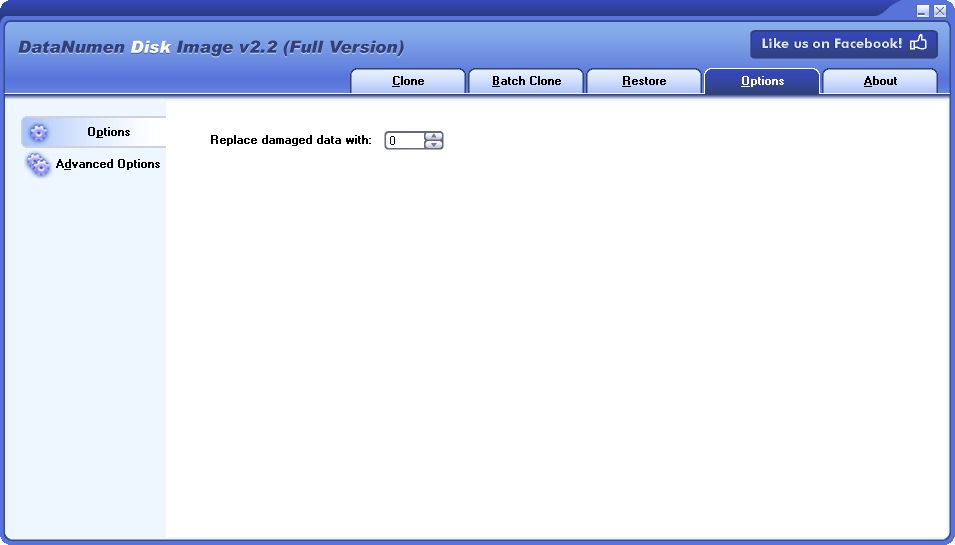
The Options tab: "Replace damaged data with" sets the byte written in place of unreadable sectors.
Batch cloning
DataNumen Disk Image's Batch Clone tab takes a list of drives and disks, each with its own output file, and images them one after another, showing a status for each. That helps when a technician has to image a stack of drives.
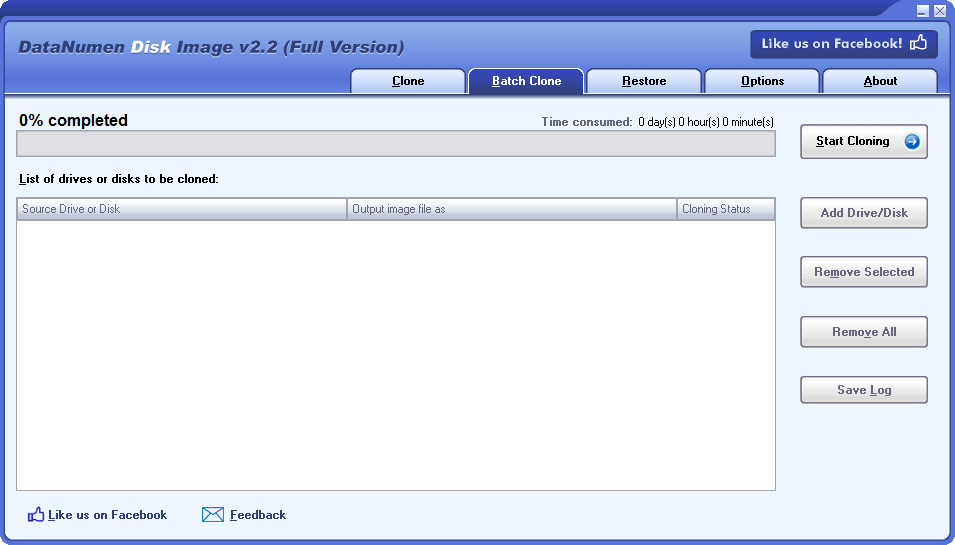
The Batch Clone tab: source drives, output image files and a cloning status column.
Restore to the same or a different disk
DataNumen Disk Image writes an image back to the original disk or to another one. That's how you restore a system backup, move a disk's contents to a new drive, or give several PCs the same disk contents.
Benefits
- A safe copy before recovery. Imaging once protects a failing disk from hours of repeated reads by recovery software.
- Nothing left out. A bit-identical image keeps deleted data in free space, which matters for recovery and forensics.
- Works with whatever's on the disk. Windows, Linux or Mac file systems, or none at all.
- Small and light. 6 MB on disk and 16 MB of memory at minimum.
Real-World Uses
- A clicking hard disk. Connect it to a working PC, image it once with bad sectors filled with zeros, then run DataNumen Data Recovery or another tool on the image.
- A weekly system backup. Image the system disk to an external drive; DataNumen suggests doing this every week.
- Moving to a new disk. Image the old disk and restore the image to the new one.
- Evidence for an investigation. Make an exact copy of a suspect's USB stick and analyze the copy.
- An old CD or DVD archive. Copy discs to image files before they become unreadable.
Who It's For, and Who Should Skip It
It suits data recovery and IT technicians, forensic examiners, and careful users who want a raw copy of a failing or important drive from inside Windows.
Skip it if you want everyday system backups: without incremental images, compression or a bootable rescue disk, a backup suite that does all three is more practical. Skip it if you need ISO, VHD or DMG images, or if you want to image the Windows system drive of the only PC you have. Mac users need a Windows PC to run it.
Usage Guide
- Download the demo and install it. Close other programs.
- Start DataNumen Disk Image with administrator rights and open the Clone tab.
- Select the drive or disk to image. If a USB drive is missing from the list, click the refresh button next to it.
- Choose the output image file on a different drive with enough free space.
- Click Start Cloning and watch the speed, progress and log.
- To write the image back, open the Restore tab, pick the image file and the target disk, and start the restore.
Where it falls short
- No bootable media. A G2 reviewer singled out the missing bootable-drive option, and a customer on DataNumen's site says the same: "it can't be launched from a USB and must be run from a running OS."
- Few features for a backup tool. No incremental images, no compression and no scheduler are listed.
- No standard image formats. It can't open ISO, NRG, VHD or DMG files, or save to them.
- English only, and no new version since December 2020.
What Users Say
There are only a handful of reviews of DataNumen Disk Image, and most are short.
G2
G2 shows three reviews with an average of 4.5 out of 5. One reviewer calls it a convenient tool for cloning, another says it's very user-friendly but wishes it had more features, and the third faults the lack of a bootable-drive option. We read these through a search summary, as G2 blocks direct access, so they aren't quoted word for word.
Customers on DataNumen's site
Wayne Rice, retired, Boston, January 25, 2017: "Disk Image outperformed three other professional programs that failed to create an ISO system image - this one worked perfectly. While it can't be launched from a USB and must be run from a running OS, it was fast, 1TB in just over 2 hours to clone, and it restored flawlessly. On the strength of its performance, leanness, and also the nice support they provided, I would recommend their software to anyone that was in need."
Brandy Riggs, Texas, November 8, 2019: "Thank you for your help! I'm super impressed with how this worked."
DataNumen's own rating
The product page shows 4.90 out of 5 from 1,655 votes. DataNumen collects these itself and shows nearly the same figure on every product, so read it as marketing.
The pattern: people who used it found it simple, light and fast, and it restored cleanly. The repeated complaint is that it can't boot on its own, and the wish for more features is fair given how bare it is.
Comparisons
DataNumen Disk Image vs. DataNumen Backup
Both cost $49.95. DataNumen Backup copies chosen files and folders with incremental or differential backups. DataNumen Disk Image copies a whole disk exactly, which is what you need for a full system restore, moving to a new disk, or recovering data from a failing drive.
DataNumen Disk Image vs. DataNumen Data Recovery
They work together. DataNumen Disk Image makes the copy of a damaged drive, and DataNumen Data Recovery ($49.95) can scan disk image files for lost files, so the failing disk is read only once.
Editions and Pricing
There's one edition. The order page shows a weekly special price for every quantity, and $49.95 is what one license cost at checkout:
| User licenses | List price each (US$) | Special price each (US$) |
|---|
| 1 | 59.95 | 49.95 |
| 2 - 9 | 49.95 | 39.95 |
| 10 - 24 | 39.95 | 29.95 |
| 25 - 49 | 29.95 | 24.95 |
| 50 - 99 | 24.95 | 16.95 |
| 100 - 199 | 16.95 | 11.95 |
| 200 - 499 | 11.95 | 9.95 |
| 500+ | 9.95 | 6.95 |
FAQs
Does DataNumen Disk Image work on Windows 11?
DataNumen says it has tested DataNumen Disk Image on Windows 11 without finding compatibility issues, though Windows 11 isn't yet named in its official requirements. It lists Windows 95 to 10 and Windows Server 2003 to 2019, 32-bit and 64-bit.
Can DataNumen Disk Image clone a disk directly to another disk?
Not in one step. DataNumen Disk Image clones in two: image the source disk to a file on the Clone tab, then restore that file to the target disk on the Restore tab.
Can I open a DataNumen Disk Image file as a drive?
Yes, with another program. DataNumen recommends the free OSFMount to mount a DataNumen Disk Image file as a virtual drive and browse its files.
Can DataNumen Disk Image back up a Mac or Linux drive?
Yes, from Windows. Connect the drive to a Windows PC and image it there; DataNumen Disk Image copies the raw data whatever the file system.
Does DataNumen Disk Image make smaller images if the disk is mostly empty?
No. DataNumen Disk Image always makes a bit-identical image the size of the whole disk or drive, free space included.
Is DataNumen Disk Image a subscription?
No. DataNumen Disk Image is a one-time purchase. Free upgrades and support last one month, then DataNumen sells an Annual Support and Maintenance Plan.
System Requirements
- Windows
- Intel or equivalent processor, x86 or x64
- 16 MB of memory minimum, 1 GB recommended
- 6 MB of disk space
- Administrator privileges for cloning and restoring
Conclusion
Worth $49.95 as a technician's or recovery tool for making exact copies of failing or important drives from Windows. The reason to buy is that it images even damaged drives, filling bad sectors instead of stopping, and it's simple and light. The main reason not to is that it's a poor everyday backup tool: full-size images only, no compression, no schedule and no boot disk. Buy it to protect data before a recovery, not to replace a backup suite.
Download Free Trial Buy Now