You have a handwriting style or a signature you like, and you're tired of typing in a font that looks nothing like you. Scanahand turns your own pen strokes into a real font you can use in your documents and designs.
Quick facts
- Version: Scanahand 9 (9.0.0.323)
- Platform: Windows only
- Standard edition price: $59, one-time purchase with a perpetual license
- Premium edition price: $99, one-time
- Trial: 30 days, running in Premium mode with most features enabled
How it works
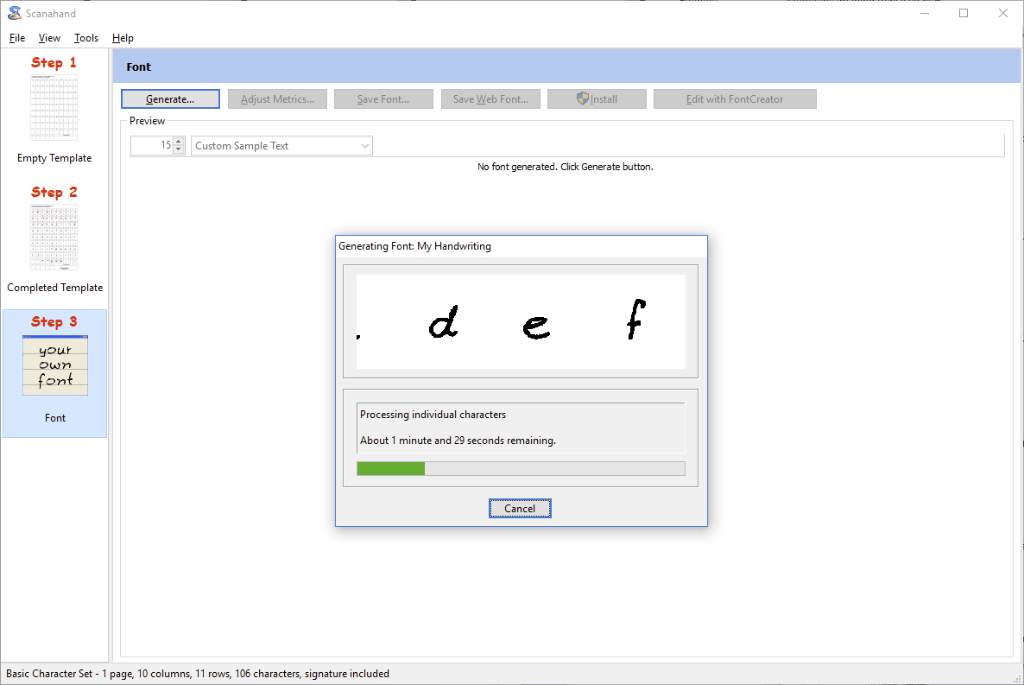
You print a template, fill in each character with a black marker, felt-tip pen or your preferred graphics program, then scan it or upload digital images. You name the font and Scanahand converts the template into a usable font. Generating it takes a few minutes, depending on the template and your computer.
Key features
Scan straight into the program or use images you already have
You can scan the finished template from within Scanahand, or pick pre-scanned images stored on your computer.
Preview and install the font before you commit
Once the font is generated, you can test it and install it directly from Scanahand if you like the result.
Even letter spacing, with optional kerning
The Adjust Metrics feature finds the best optical space before and after each Latin-based character. You can also add kerning to the font.
Your name and copyright notice inside the font
You can embed details such as a copyright notice and the font designer's name in your fonts.
Custom templates for symbols and signatures (Premium)
The Premium edition has a template editor where you decide which characters go in your fonts. It also adds signature and symbol templates, fonts of up to 65,000 glyphs, and styles such as bold and italic.
Standard or Premium?
Standard generates fonts from the included templates, adjusts spacing and kerning, previews and installs the font, and handles up to 216 characters. Custom, signature and symbol templates need Premium. The trial runs in Premium mode, so choose Premium if you want to keep those features after it ends.
Who it's for
It suits you if you want a personal handwriting font for letters, invitations or design projects, and you work on Windows. If you only need a handwriting-style font for Word or PowerPoint, Standard covers it. If you need a signature font, custom alphabets or symbol fonts, Premium is the one to look at.
Pros and cons
Pros
- One-time price with a perpetual license, no subscription
- Fonts work on Windows, macOS, mobile devices and websites
- Spacing and kerning tools are included even in Standard
- 30-day trial
Cons
- The program itself runs on Windows only
- Standard is limited to the included templates and 216 characters
- Signature and symbol templates cost extra, in Premium
What users say
"I needed to easily create fonts for industry standard symbols and Scanahand was the solution to this problem." — Douglas Rilee, High-Logic
FAQs
Does Scanahand run on a Mac?
No. It is a Windows application, though the fonts it creates work on macOS, mobile devices and websites.
Can I try it first?
Yes. The 30-day trial runs in Premium mode with most features enabled.
Do I need Premium for custom templates?
Yes. Custom, signature and symbol templates are Premium features.
Is it a subscription?
No. It is a one-time purchase with a perpetual license. If a new major version comes out within six months of your purchase, you get it at no extra charge.
Do I need other graphics software?
No. You can draw on the printed template with a marker or felt-tip pen. A graphics program is optional if you prefer to draw digitally.