Ends November 23
Parallels Desktop for Mac: 50% off a year of Standard or Pro
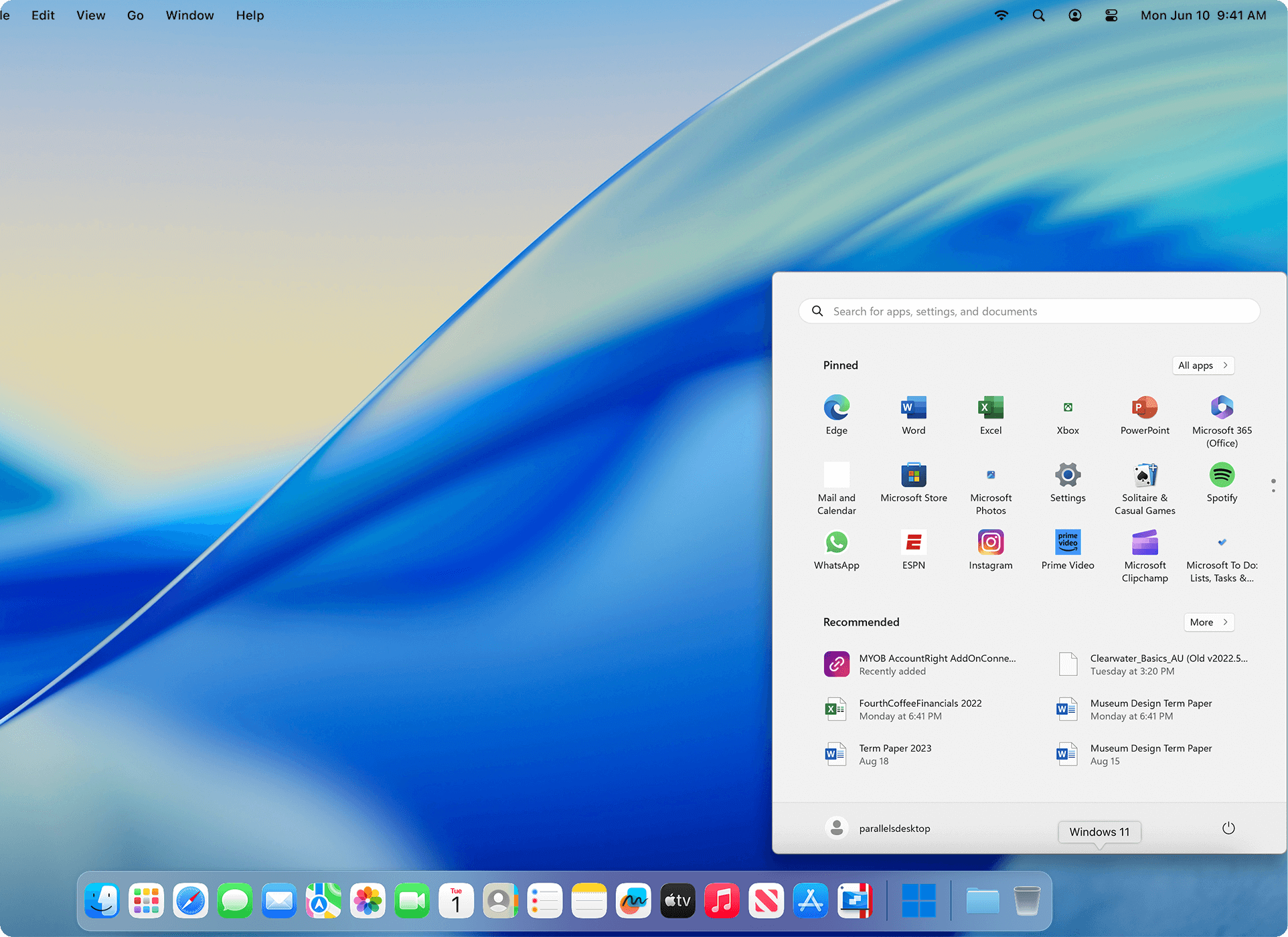
Run Windows 11 next to macOS on an Apple silicon Mac, so the Windows-only program your class or job needs opens in a window beside Safari and Mail. Standard is $49.99 for the first year instead of $99.99; Business is 35% off.
Get 50% Off Parallels Desktop »
Code PD50 (Standard, Pro) or PD35 (Business), until November 23, 2026
50%
off Standard and Pro, code PD50
35%
off Business Edition, code PD35
1 click
to download and install Windows 11
14 days
free trial of the Pro edition first
Sale prices for a new 1-year subscription
The codes are for new 1-year subscriptions only. On November 16 the sale prices were already shown on the Parallels order page; if you don't see them, enter the code at checkout.
MOST PEOPLE NEED THIS ONE
Standard Edition
Windows 11, Linux and macOS virtual machines with up to 8 GB of memory and 4 virtual CPUs each, Coherence mode, and support for as long as you subscribe. Enough for Office, Access, Visio, QuickBooks and most class software.
$99.99 $49.99 first year PD50
Pro Edition
Up to 128 GB of memory and 32 virtual CPUs per VM, plus the command line, developer tools and AI integration. Pick it for Visual Studio, large SOLIDWORKS or Revit models, or several VMs at once. With the sale it costs only $10 more than Standard.
$119.99 $59.99 first year PD50
Business Edition
Everything in Pro, plus central license management, deployment through Jamf or Intune, CI/CD automation and volume licensing. Priced per Mac.
$149.99 $97.49 first year PD35
Not on sale: the $219.99 one-time Standard license and the 2-year plans. Read our Parallels Desktop for Mac review for the full list of features, limits and what users say about it.
Bought a Mac and your classes need Windows software?
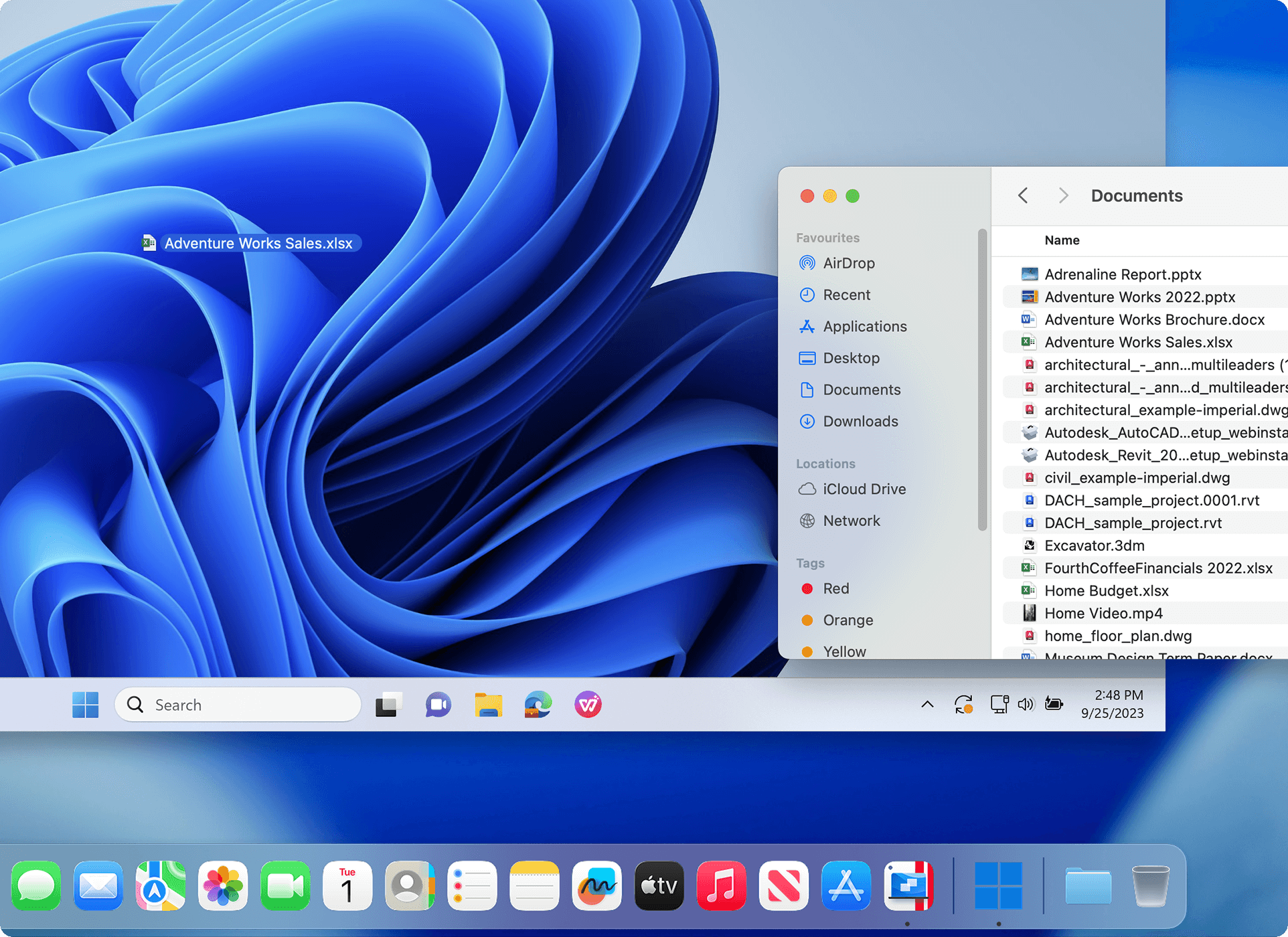
Many students find out after buying a Mac that a course uses a Windows-only program: Microsoft Access, Project or Visio, Visual Studio, some MATLAB toolboxes, QuickBooks Desktop or ArcGIS Pro. Parallels Desktop downloads and installs Windows 11 for you, and in Coherence mode each Windows program opens in its own window on the Mac desktop, so you keep the Mac you chose.
Be honest about your Mac's memory
- 8 GB Mac: fine for one Windows program at a time and light coursework (Access, Visio, QuickBooks, statistics packages).
- 16 GB or more: what you want for big SOLIDWORKS or Revit models, Visual Studio projects or GIS work, since Windows and macOS share the same memory.
- Intel Mac: Parallels Desktop 27 needs Apple silicon; Intel Macs are limited to version 26.
Not everything runs in a virtual machine. Games with anti-cheat drivers and some DirectX 12 titles usually don't, and Windows on Arm can't load x86 drivers for special hardware. Check your program in the 14-day Pro trial before you buy.
Before you buy
- Windows isn't included. Parallels downloads Windows 11 for you, but you activate it with your own Windows 11 Pro or Enterprise license.
- The discount is for the first year only. The subscription renews automatically at the regular price ($99.99 a year for Standard). Several reviewers complain about renewals they didn't expect, so turn off auto-renewal in your Parallels account if you only need one year.
- Students and teachers can also buy through the Parallels education store, with an eligibility check at checkout. During the sale everyone pays the same $49.99 for Standard.
- Purchases made on parallels.com have a 30-day money-back guarantee; renewals are excluded.
- Prices are in US dollars, as shown on the Parallels buy page on November 16, 2026. Sales tax is added at checkout.